Bloxrooms Multiplayer & Co-op Guide
How to play Bloxrooms with friends, coordinate teams, and survive together in shared servers.
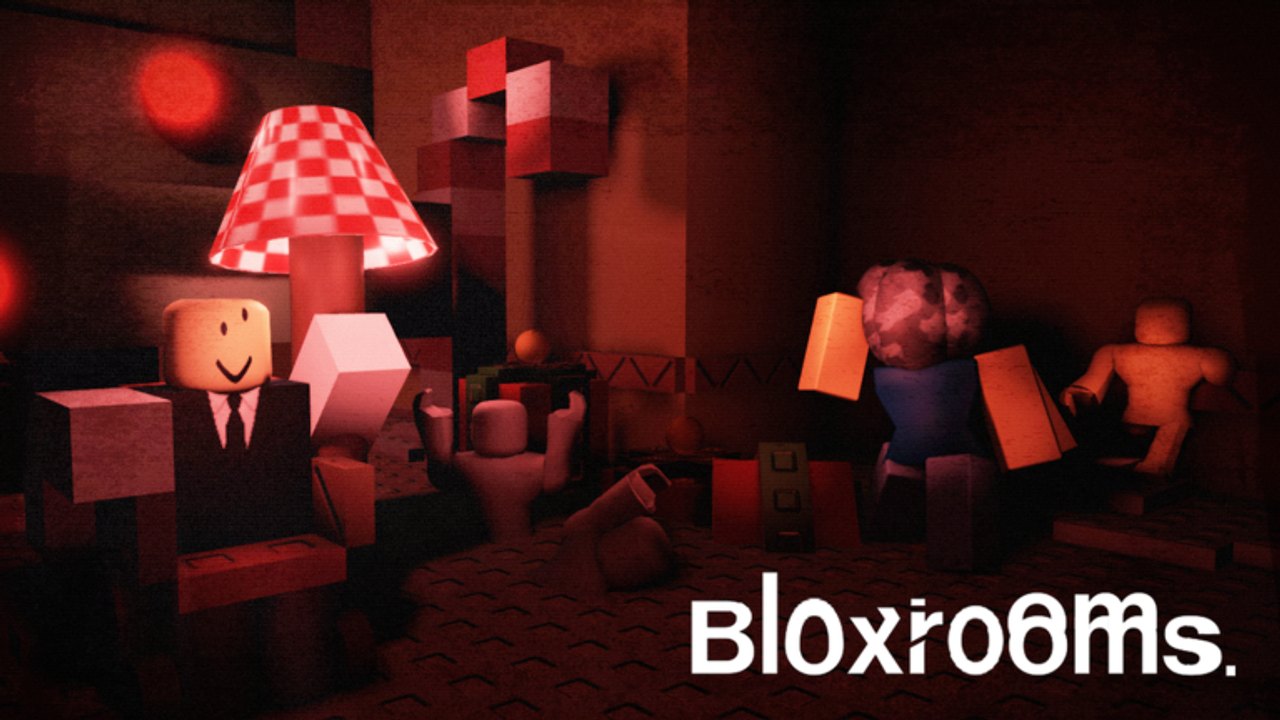
Bloxrooms supports up to 30 players per server, making multiplayer a core part of the experience. Playing with friends changes how you navigate, how entities behave, and how loot gets distributed. This guide covers team setup, communication strategies, and how co-op play differs from solo runs.
How multiplayer works in Bloxrooms
Bloxrooms servers hold up to 30 explorers simultaneously. You cannot invite friends to a private session unless you have a private server (VIP servers remain disabled as of September 2026). Instead, you and your friends join the same public server and coordinate from within the game.
Key multiplayer mechanics:
- All players share the same procedurally generated rooms
- Entity behavior scales with player presence in ways that are not fully documented
- Still life rooms can have multiple players simultaneously
- Cash and artifacts are individual — no shared economy
- Troll Panel effects affect all players in the server
Joining friends in the same server
To play with specific friends:
- Agree on a meeting time when the server is likely less crowded
- Have everyone favorite the experience: roblox.com/games/127943464865693/Bloxrooms
- Join at the same time and use the spawn area as a meeting point
- If you spawn separately, mark your location with chalk and navigate toward each other
There is no in-game voice proximity system. Communication happens through Roblox voice chat (if enabled) or external voice apps like Discord.
Team roles in Bloxrooms
Effective co-op teams divide responsibilities:
Navigator
The Navigator leads the exploration and makes routing decisions. They carry:
- Chalk Gear for marking
- Flashlight+ for visibility
- Compass for artifact direction
The Navigator calls out room types, suggests directions, and warns the team about potential entity encounters ahead.
Scout
The Scout moves ahead of the main group to check rooms before the team commits. They:
- Enter new rooms first
- Report back on room contents and potential threats
- Look for still life areas that might contain valuable artifacts
- Watch for pre-spawn signals that indicate entity activity
Looter
The Looter focuses on artifact collection while the team holds a safe position. They:
- Search room edges and ceiling geometry for hidden artifacts
- Call out valuable finds to the team
- Track the group’s overall cash value to help with extraction decisions
Watcher
The Watcher monitors Entity Alert and audio cues for the group. They:
- Keep the minimap visible at all times
- Call out Entity Alert pings immediately
- Monitor ambient audio for desync or unusual loops
- Signal when it is time to hide or relocate
Communication protocols
Clear communication keeps co-op teams alive:
Landmarks
Establish landmark names before entering new areas. Suggested system:
- Name rooms after their most distinctive feature (Red Lamp, Yellow Hall, Street Section)
- Use cardinal directions relative to your starting position
- Mark turns with chalk and describe them (“Second left after the Red Lamp”)
Entity alerts
Standardize entity alert calls:
- “Alert” — Entity Alert has pinged, proceed with caution
- “Contact” — You have visual on an entity, prepare to hide
- “Clear” — You have passed through the area without entity activity
- “Loop” — You have returned to a previously marked area
Extraction signals
When it is time to leave:
- “Extracting” — I am heading to the exit
- “Haul value” — My current artifact value (helps others decide if they want to continue)
- “Regroup at [landmark]” — Meet at a specific location before exiting
How entities behave with multiple players
Entity behavior in multiplayer is not identical to solo play:
Entity targeting
Entities appear to track the nearest player, but the exact targeting logic is not documented. When a group is together, entities may:
- Target the player who is furthest from the group
- Spawn between players to divide them
- Ignore stationary groups in favor of moving targets
Still life interactions
Multiple players in a still life room can affect how the room behaves:
- The room may despawn faster with more players present
- Artifact spawn rates appear higher with more players searching
- Some still life poses change based on player count
Troll Panel effects
When a player with Troll Panel access spawns entities, all players in the server are affected. This is why Troll Panel is not recommended for public servers — it disrupts other players’ runs.
Co-op strategies by goal
Efficient farming
For teams focused on maximizing cash:
- Split into pairs or small groups
- Cover more ground by exploring different wings simultaneously
- Reconvene every 10 minutes to share findings
- Designate one player as the “banker” who does not carry artifacts — they extract first with the group’s combined value
Exploration focused
For teams that want to map the level:
- Stay together as a single group
- Have the Navigator lead while the Scout checks ahead
- Mark everything with chalk
- Take notes on room variants you encounter
- Share discoveries in real-time through voice chat
Badge hunting
For players targeting specific badges like Meet A Developer:
- Play during peak hours when developers are more likely to join
- Keep the group small and non-disruptive
- Be respectful of other players’ runs
- Do not use Troll Panel in public servers
Multiplayer survival tips
- Never split too far — Keep line-of-sight with at least one teammate
- Establish regroup points — If separated, know where to meet
- Share pre-spawn signals — Audio desync affects everyone; report it immediately
- Respect other players — Your entity spawns affect their experience in public servers
- Have an exit strategy — Know when to extract before things go wrong
Related pages
- Best strategy walkthrough — Advanced tactics
- Survive entities — Entity encounter tips
- Getting started — Beginner fundamentals
- Community links — Finding other players
Frequently Asked Questions
Quick answers for Bloxrooms explorers.
Can I play Bloxrooms with my friends in a private server?
VIP servers are currently disabled as of September 2026. You can only play with friends in public servers by joining at the same time and coordinating within the game.
How many players can join a Bloxrooms server?
Bloxrooms servers support up to 30 players simultaneously. All players share the same procedurally generated rooms.
Do entities behave differently with more players?
Entity behavior appears to change with player count, but the exact mechanics are not fully documented. Entities seem to target the nearest player and may spawn between players to divide groups.
Should I use Troll Panel in public servers?
No. Troll Panel is labeled FOR PRIVATE SERVERS ONLY, and spawning entities in public servers disrupts other players' runs. Save Troll Panel features for private sessions with friends.