How to Redeem Bloxrooms Codes
Be ready the hour the first official string drops — the box will not wait while you alt-tab a tutorial.
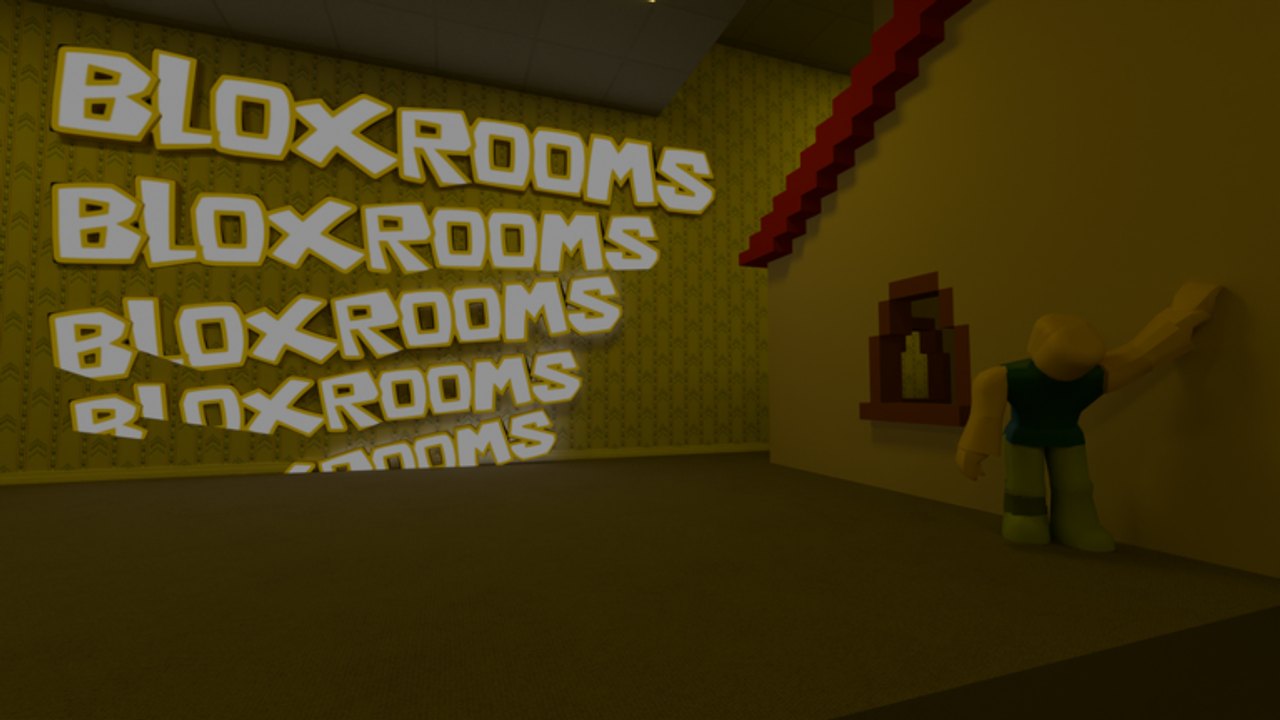
Bloxrooms has not published a public code yet, but Roblox horror games of this size almost always grow a redeem box during beta. This page is the dry run: where to look on the HUD, how to type the string, and how to tell a dead code from a UI that simply is not in your build.
Pair this with the live table on the codes hub and the watch list on where to find codes. If you came here hoping to skip the artifact grind, read how to get cash while you wait — the economy will not pause for a missing text field.
Step-by-step (when a box exists)
- Launch Bloxrooms from the official Roblox experience page and finish loading. Codes almost never apply from the Roblox website itself.
- Look left and right of the HUD before you sprint into a level. Roblox betas usually hide redeem under Shop, Menu, Twitter/X bird, or a ticket icon. The Gear+ and Explorer+ passes already prove a store UI exists.
- Open that panel and find a field labeled along the lines of Enter Code, Redeem, or Promo.
- Paste the string exactly. Bloxrooms copy in the official art uses diacritics in the logo; a code might still be plain ASCII. Do not add spaces. Do not change case.
- Press Redeem / Confirm. Stay in the server for a few seconds so the cash or gear grant can replicate.
- Check cash, backpack, and any coil/trowel slots. If nothing arrived, the code is expired, mistyped, or from another game.
If you cannot find a box at all, that is currently the expected state. Do not install a “code GUI” executor to force one. That is a script risk, not a missing feature.
Typing rules that actually matter
Roblox codes fail for boring reasons:
- Case.
BetaDropis notbetadrop. - Punctuation. A studio that ships
UPDATE!will rejectUPDATE. - Invisible characters. Copy from Discord can drag a zero-width space. Paste into Notepad first if a “correct” code errors.
- One redeem per account. Alts will not farm the same drop if the team wired it to the userId.
- Session. Some grants only apply after a rejoin. If cash should have landed, leave and join a new 30-player server.
The getting started guide is worth a pass before you hunt a box in a dark still-life room. Dying mid-redeem will not usually eat a successful grant, but it will waste the minute you needed to screenshot the reward for this wiki.
What a healthy redeem looks like
A real Bloxrooms code should do one of these, based on how the economy is built:
- Add cash toward Sprint+, Stamina+, Flashlight+, or shop gear.
- Grant a limited cosmetic or emote.
- Compensate a shutdown after a bad patch, which you would also see on the beta changelog.
It is unlikely to unlock Artifact Compass or Entity Alert as standalone items; those were taken off individual sale and folded into Gear+. If a random Discord file claims otherwise, compare it with the gamepass tier list before you get excited.
When redeem fails
| Message / result | Likely cause | What to do |
|---|---|---|
| No box on HUD | Codes not in this build | Keep playing; watch where to find codes |
| Invalid / doesn’t exist | Wrong game or typo | Confirm it is Bloxrooms, not Blackrooms |
| Already redeemed | One per account | Stop retrying |
| Expired | Patch window closed | Move it mentally to the expired list |
| Nothing, no error | Replication hitch | Rejoin, then check cash |
Never share your Roblox password with a “code bot.” Official redeem happens inside the experience. Community links live on the links hub.
After a successful code
Spend cash on the upgrades that change survival, not on the Troll Panel unless you actually want spawn tools. The gear loadout tool and gear guide rank flashlight range and stamina above novelty weapons. Then go back to how to find artifacts so the next hour is not a dead sprint through unmarked halls.
If you redeemed something this wiki still marks empty, tell us which official channel posted it — Discord announcement, group shout, or description — so the codes hub can stop showing a blank table.
Frequently Asked Questions
Quick answers for Bloxrooms explorers.
Where is the Bloxrooms code box?
It has not been confirmed on the live HUD. Check Shop or Menu after you load in, and follow where to find codes for the announcement that will tell you it exists.
Do codes work on mobile?
If the studio adds a box, it should work on the same Roblox client as PC. Paste carefully; mobile keyboards love extra spaces.
Why did my code say invalid?
Most "Bloxrooms" codes on social media belong to Blackrooms or are invented. Use only strings listed on the codes hub.
Can I redeem for a friend?
Roblox promo codes bind to the account that types them. Your friend must join Bloxrooms on their own client.