Bloxrooms Community Links
Where announcements will actually land — and which DMs to close.
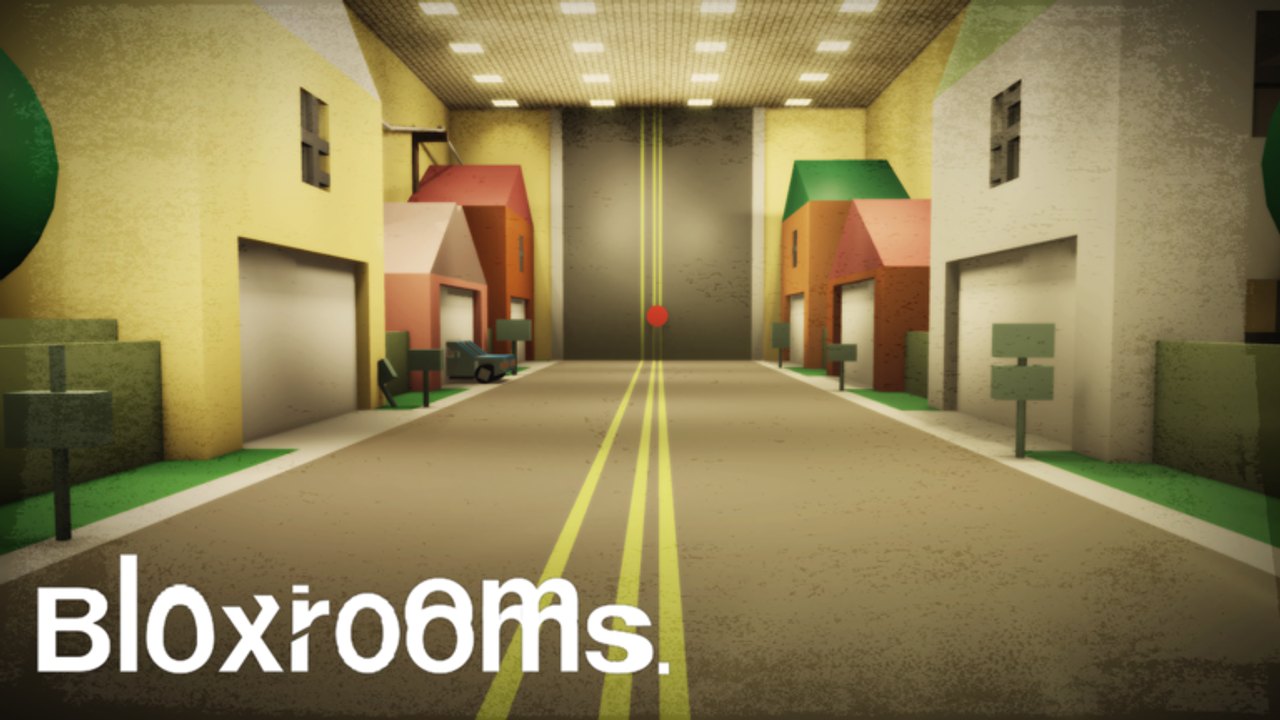
The links hub is the short URL list. This page is how to use those URLs without walking into a fake codes Discord.
Discord
discord.gg/bloxrooms resolves to a Bloxrooms server whose invite copy talks about following development, reporting bugs, and hanging out with explorers. On join:
- Read rules. Complete verification if asked. That is normal.
- Find announcements before general chat. Codes, if they ever exist, will not debut in a meme channel.
- Mute @everyone if you only want patch pings.
- Never accept a friend request that offers “free Troll Panel” after you asked about codes.
If the vanity ever dies, we will mark it on the hub. Do not google a random “Bloxrooms Discord” and paste a token.
Roblox group
Bloxrooms Corporation is the shout surface. Empty shout = nothing to redeem. A shout with an all-caps string = compare with where to find codes before you farm alts. Group membership also makes Meet A Developer slightly less mythical because staff tools often prefer group members, but that is not a documented requirement.
TikTok
@official.bloxrooms is the marketing surface. Captions move faster than the Roblox description. Duets will replace codes with referral malware. Copy from the original account only.
What to post (and not post)
Do post: bug with place ID, screenshot of a still life, a question about chalk binds, a clip of this game so the wiki can finally embed a video.
Do not post: executor files, someone else’s password, Blackrooms tape codes, Fandom permadeath copypasta as if it were patch notes.
Moderating yourself in 30-player servers
Community is not only Discord. Troll Panel turned public instances into a social problem. If you care about the beta, play Kit A/B from the loadout planner in public and keep Kit D in private. Players hub has the etiquette table.
If you need the studio
Developers identifies JabOwns and the group. Bug reports with dates help more than “game dead.” The beta changelog is the fan-side timeline you can cite.
No Trello, no verified X, no official YouTube. When those appear, they will be linked from both this page and the hub.
Phishing patterns that already showed up in Roblox horror Discords
- A “moderator” with a nearly identical name offering to gift Gear+.
- A webhook that asks you to authorize a third-party Roblox login.
- A Google form that harvests usernames “for a beta tester role.”
- A Nitro giveaway that requires you to download an executor “just to verify.”
Close all of them. Real staff will never need your password to apply a code or a pass. If you already typed a password, change it on roblox.com and enable 2FA. Then read script safety.
How this wiki uses the community
We watch announcements so the codes hub and beta changelog stay honest. We do not scrape private channels. If you post a verifiable clip of place 127943464865693, we can finally put a YouTube embed in the matching guide. Until that clip exists, do not ask us to embed Blackrooms footage as a stand-in.
Bug reports that help: date, platform (PC/mobile/console), whether Troll Panel users were in the server, and a screenshot of the still life or hunt. Bug reports that do not help: “add codes now” with no store evidence.
Frequently Asked Questions
Quick answers for Bloxrooms explorers.
Is the Discord required to play?
No. It is how you hear about codes and patches first.
Someone DMed me a script from the server.
Close it. Read script safety. Real staff will not unlock Gear+ in DMs.
Can I advertise my YouTube there?
Ask their rules. If you record this place ID, this wiki would like the link for a future embed.
Where do I get codes if I skip Discord?
Group shout and experience description. Also refresh the codes hub.